
Holiday mode
Holiday mode pauses chores while you’re away. Nothing comes due, nothing shows as missed or overdue, and chores start again the morning after it ends. It can be for the whole family, or for one person (say, a child at camp).
Adding a holiday
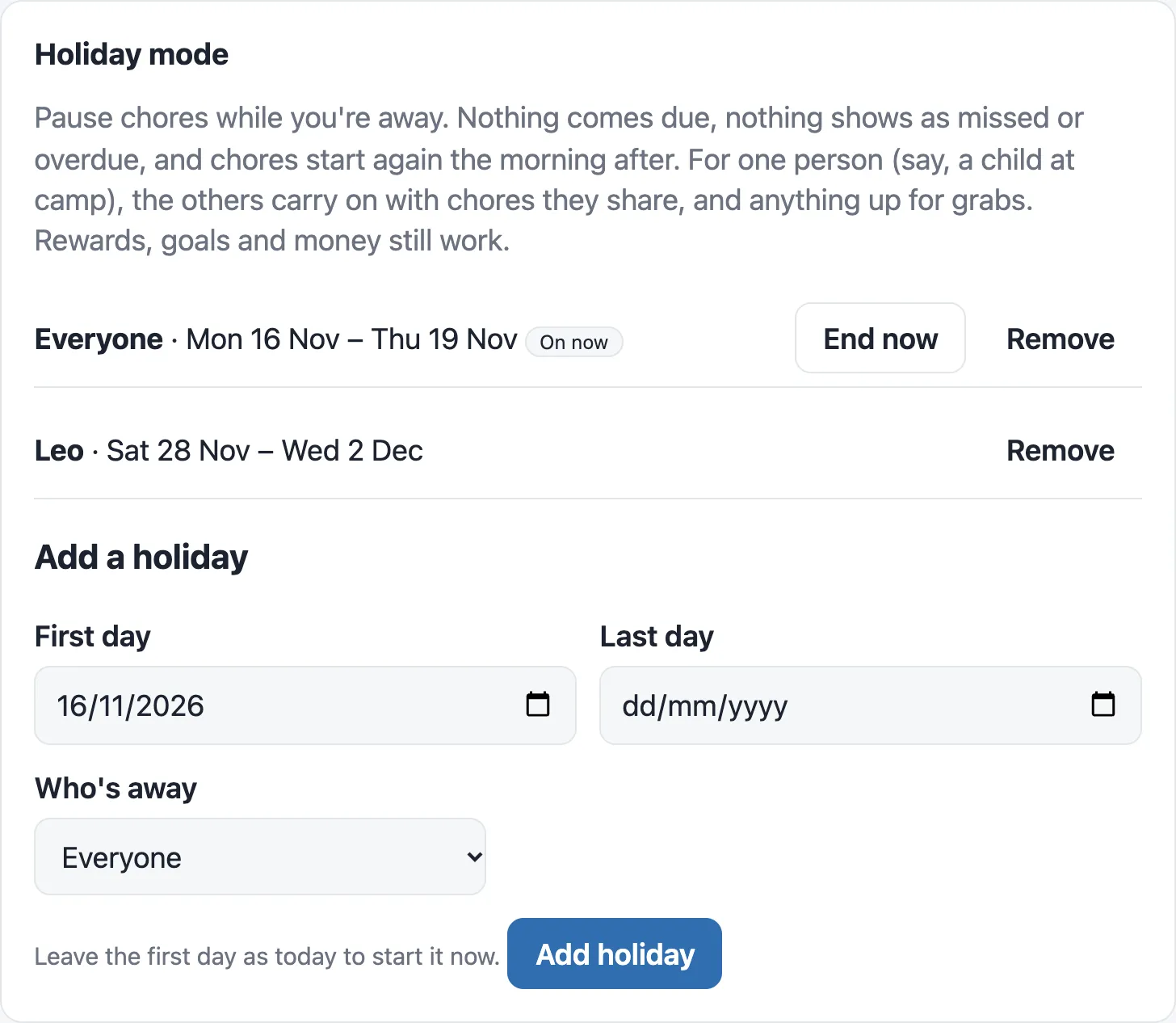
Section titled “Adding a holiday”- Go to Admin › ⚙ Settings › Settings › Holiday mode.
- Under Add a holiday, choose the First day and Last day.
- Under Who’s away, choose Everyone, or one person.
- Tap Add holiday.
Leave the first day as today to start it now. You can plan several holidays ahead, and the list shows each one, with On now next to the one that’s on.
- End now finishes a holiday that’s on, so chores start again.
- Remove deletes one, such as a trip that’s been cancelled.
While it’s on
Section titled “While it’s on”- No chores come due, and nothing shows as missed or overdue.
- Anything already overdue when it starts is cleared, so nobody comes home to a pile of overdue chores.
- Chores start again the morning after the last day.
- Rewards, goals and money still work, so the kids can still spend their points.
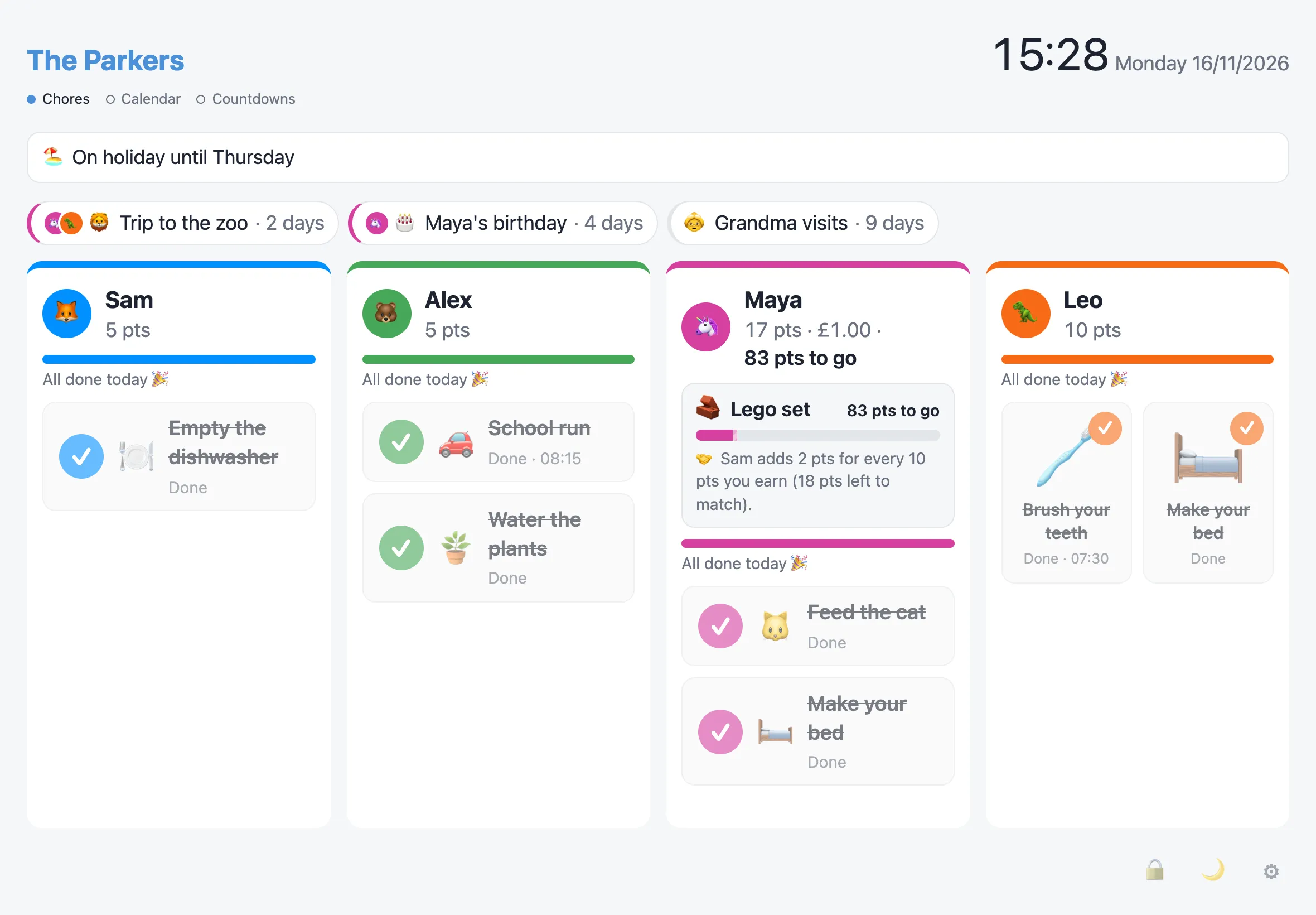
The board says “🏖️ On holiday until Sunday” under the household name. Chores already done today stay ticked off, and the rest are paused. The calendar marks the days with “🏖️ Holiday”.
One person away
Section titled “One person away”When it’s just one person:
- Their column says “🏖️ Away until Sunday” while they’ve nothing to do.
- The others carry on with the chores they share, and with anything up for grabs.
- A shared chore pauses only when everyone on it is away.
- Something they’d claimed goes back to Up for grabs.
- A chore that can be done on any one of its days pauses only when the holiday covers all of them.
- The calendar marks their days with “🏖️ Leo away”, in their colour.